When you launch Logic Pro, Amp Designer is ready to use from the start.
No extra cost. No installation. You can start playing right away.


This review comes from someone with 13 years of guitar and 8 years of DTM.
It is based on years of continued use.
What Is Amp Designer?
It is the amp simulator built into Logic Pro.
It recreates the character of famous real amps, cabinets and mics, part by part.
You can choose the amp, cabinet and mic independently of each other.
Characteristics of All Models and the Genres They Suit
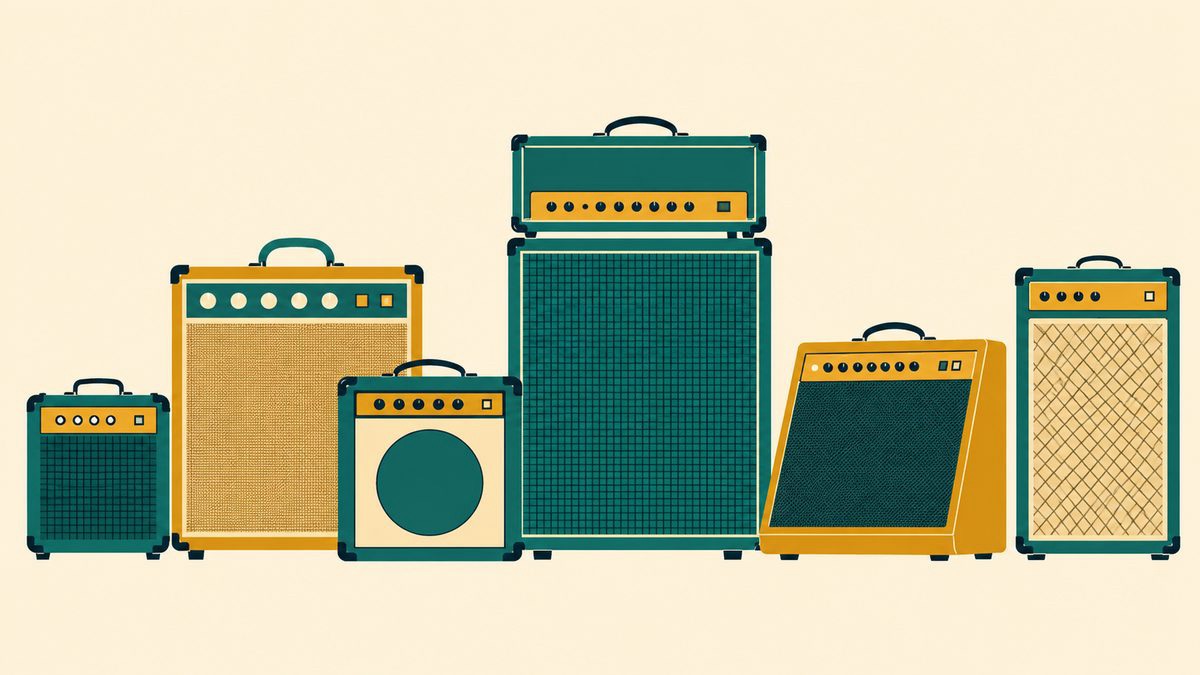
Amp Designer's models are grouped by era and musical background.
| Category | Representative models | Sound character | Genres it suits |
|---|---|---|---|
| Tweed Combos | Small Tweed / Large Tweed | Sensitive to dynamics. Changes smoothly from clean to crunch | Blues, rock (1950s to 60s) |
| Classic American | Silver Panel / Large Black Panel | Tight lows. Percussive attack | Surf, funk, R&B (1960s) |
| British Stack | Vintage British | Powerful, smooth distortion. Clarity remains even when distorted | Hard rock (late 1960s) |
| British Combo | British Combo | Chime-like highs. Compressed feel that isn't harsh on the ears | British rock (1960s) |
| British Alt | Sunshine Stack / Stadium Stack | Rich mids. Resolution doesn't drop at high volume | Britpop (1990s), alternative |
| Metal Stack | Modern American | Powerful high gain | Metal, heavy rock |
| Other | Pawnshop Combo | Combines warm clean with thick distortion | 1960s rock, punk |
3 Things I Felt After Actually Using It
1. Clean to crunch holds up fine
The Silver Panel Combo (Classic American) has the appeal of Fender-style openness.
It sounds great played on a Jazzmaster or a Telecaster.
There is a condition, though.
Only when you place it in the mix where it doesn't stand out too much.
For solo guitar or parts that come forward, it starts to feel lacking.
2. High gain is honestly tough
You get a sound even from the Modern American in the Metal Stack.
But the "density of the grain" feels thin.
The "wall-like distortion" of grunge is probably hard to get from Amp Designer alone.
The difference shows in the density of a single track.
3. Some settings transform it
Each model has settings where the sound opens up easily.
Recommended settings by model
- Small Tweed Combo: set Treble and Presence around "7" and the outline stands out
- Sunshine Stack: if the tone is too dark, raise the Treble and the sound opens up
- Modern American Stack: adjust the Mids up or down to match the genre
Comparing It with TONEX (with Video)
This is a video playing the same phrase through Amp Designer and TONEX.
Check it with the actual sound.
Crunch comparison
Distortion comparison
| Item | Amp Designer | TONEX |
|---|---|---|
| Clean | Excellent: holds up well | Excellent: even more realistic |
| Crunch | Good: usable level | Excellent: density close to real gear |
| High gain | Fair: thin density | Excellent: has air |
| Dynamics | Good: Tweed is especially good | Excellent: natural on all models |
| Cost | Excellent: included with Logic Pro | Fair: bought separately |
Mic Settings Change the Sound a Lot
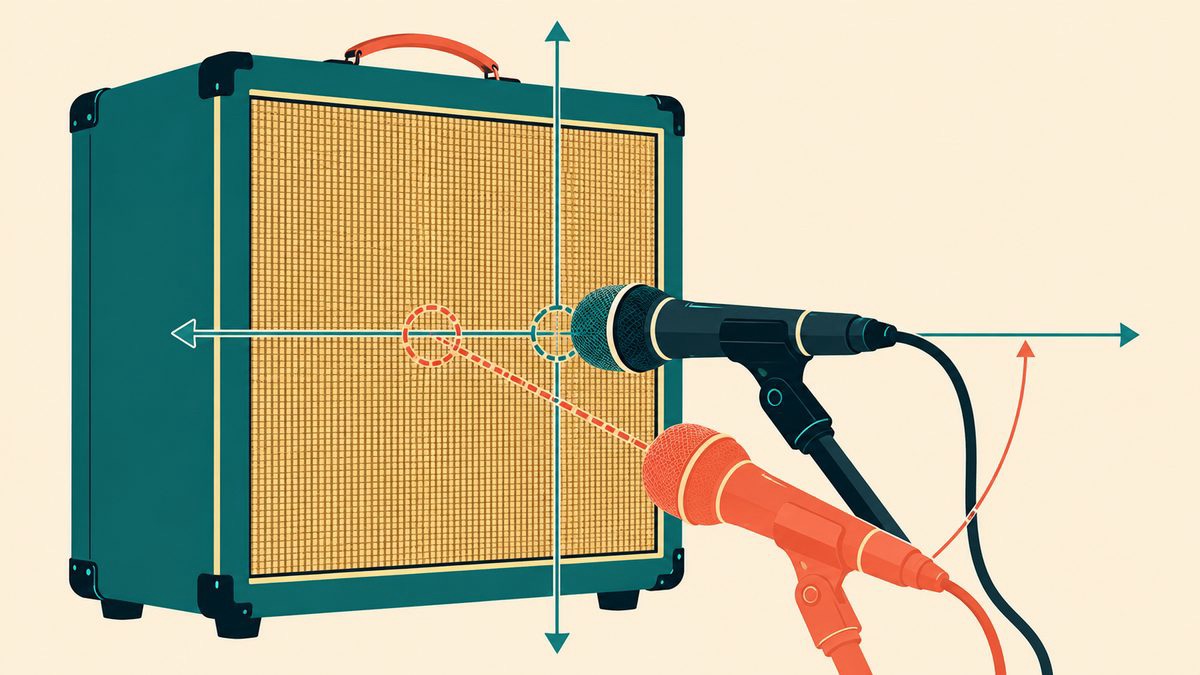
Amp Designer has a built-in mic simulator.
Many people don't use it, but it has a big effect on the sound.
| Mic type | Character | Best use |
|---|---|---|
| Condenser (87, 414) | Transparent. Well balanced | Clean, delicate expression |
| Dynamic (20, 57, 421, 609) | Boosted mids. Cuts through a mix easily | Rock, crunch |
| Ribbon 121 | Warm, yet bright at the same time | Alternative, grunge styles |
You can also change the mic position with the XY pad.
Mic position and how the sound changes
- Center (on-axis): powerful, thick sound. Good for blues and jazz
- Toward the edge (off-axis): bright, thin tone. Good for chopping
- The closer to the speaker, the more the lows are emphasized (proximity effect)
An advanced technique with two mics
To raise the density of the sound further, mic blending is effective.
step
1Duplicate the track and insert the same Amp Designer on both
step
2On the first, choose a Condenser (for transparency and balance)
step
3On the second, choose a Dynamic (for outline and cut-through)
step
4Adjust the levels of the two tracks and blend to the tone you want
"People Amp Designer Is Enough For" and "People It Isn't"
Summary
Summary of this article
- Clean to crunch is quite practical. It's fine in the early days of DTM
- High gain and density of distortion fall short of paid plugins
- Just changing the mic settings (type and position) changes the sound a lot
- Mic blending takes you a little past the limits of a single instance
- The moment you feel "I want to build something more polished" is the sign to move to paid
Amp Designer is not a bad plugin.
The convenience of finishing with Logic Pro alone is real.
But if you try to build something seriously, you'll hit a wall somewhere.
Start with Amp Designer, and consider paid ones when you feel it's not enough.
I think that is the order with the least waste.
If You Want to Know More About TONEX
-

-
TONEX MAX Review | An Honest Take, Plus How It Differs from SE, Standard and the Free CS
"Aren't all amp simulators basically the same?" Honestly, I used to think so too. But after I started using TONEX MAX, that idea was completely turned upside down. In this article, I'll share my honest impressions after using TONEX MAX heavily for home guitar recording over the years. The short version: it is my favorite guitar plugin right now. What you'll learn in this article Why TONEX MAX has an "air" that others don't My honest impressions from using it in home recording What kind of guitarist it suits What Is TONEX MAX? The Basics, Quickly TONEX MAX is software ...
-

-
How to Use TONEX: Setup, ToneNET, Tone Shaping & Troubleshooting
"I bought TONEX, but I don't know where to start." "It's installed, but I can't figure out how to dial in a good tone." This guide is for you. TONEX is powerful, and that means the interface can feel overwhelming at first. But the features you'll actually use every day are simple. I've been playing guitar for 13 years and home recording for 5. TONEX has been my main amp plugin in Logic Pro for a long time. This guide is based on that experience. One note before we start: this article covers TONEX as a plugin. Capturing your own ...

