"I want to start home recording, but what should I actually buy?"
Many people can play guitar but stumble on choosing gear.
There is so much information that it's hard to tell what counts as "minimum."


I started home recording myself with just an iPad and an iRig.
From there I added things little by little, and now I've settled on a Mac with Logic Pro. My interface is an Apollo Twin Solo.
In other words, "you don't have to gather everything from the start."
After reading this article, it will be clear what to choose for your own budget.
What you'll learn in this article
- What gear is the minimum needed for home recording
- Recommended setups for 20,000, 50,000 and 100,000 yen
- Where to put a limited budget
- A "buying order" you won't regret
About yen prices
Prices in yen are Japanese street prices. As a rough guide at about 150 yen per US dollar: 5,000 yen is about $33, 10,000 yen about $67, 20,000 yen about $133, 30,000 yen about $200, 50,000 yen about $333 and 100,000 yen about $667. Prices in your region will differ, so check current prices before buying.
Conclusion: The Recommended Setups by Budget Are These 3 Patterns
First, the big picture.
Before the details, I put the conclusion in a table.
| Budget | Concept | Main contents | Best for |
| 20,000 yen | The minimum setup to just get started | Entry interface + free DAW + free amp sim | Beginners who want to try recording |
| 50,000 yen | A standard setup where quality and efficiency clearly improve | Standard interface + M50x + paid amp sim | People who want to make songs seriously |
| 100,000 yen | A serious setup for long use | Speakers + mic + higher-end plugins | People who want to build band recordings carefully |
You Need Only 4 Pieces of Gear as the "Minimum" for Home Recording
Before talking budget, let me sort out what's needed.
The minimum a guitarist needs for home recording is just four things.
- Audio interface (the box that connects your guitar to your PC)
- Headphones or monitor speakers (to hear sound accurately)
- DAW (recording and editing software)
- Amp simulator (to make the guitar sound)
I assume you already have a guitar and cable.
Conversely, with just these four, you can start recording.
About the budgets in this article
The "20,000, 50,000 and 100,000 yen" in this article do not include the computer itself. It assumes you can start with the PC you have now. It is also calculated assuming you already have a guitar and cable.
I explain the difference between line and mic recording in detail in a separate article.
-
-
Line Recording vs Mic Recording for Home Guitar | A Conclusion from 8 Years of Experience
Struggling Between Line and Mic Recording for Home Guitar? When you record guitar at home, the first thing you run into is choosing between "line recording" and "mic recording." The short answer: a guitarist who is just starting home recording should go with line recording. But this does not mean "mic recording is bad." Each has what it suits and doesn't. In this article, I'm ryo, 13 years of guitar and 8 years of DTM, and I sort it out. Based on experience using both, I put together the differences and how to choose. What Is the Difference Between Line ...
[20,000 Yen] The Minimum Setup to Just Start Home Recording
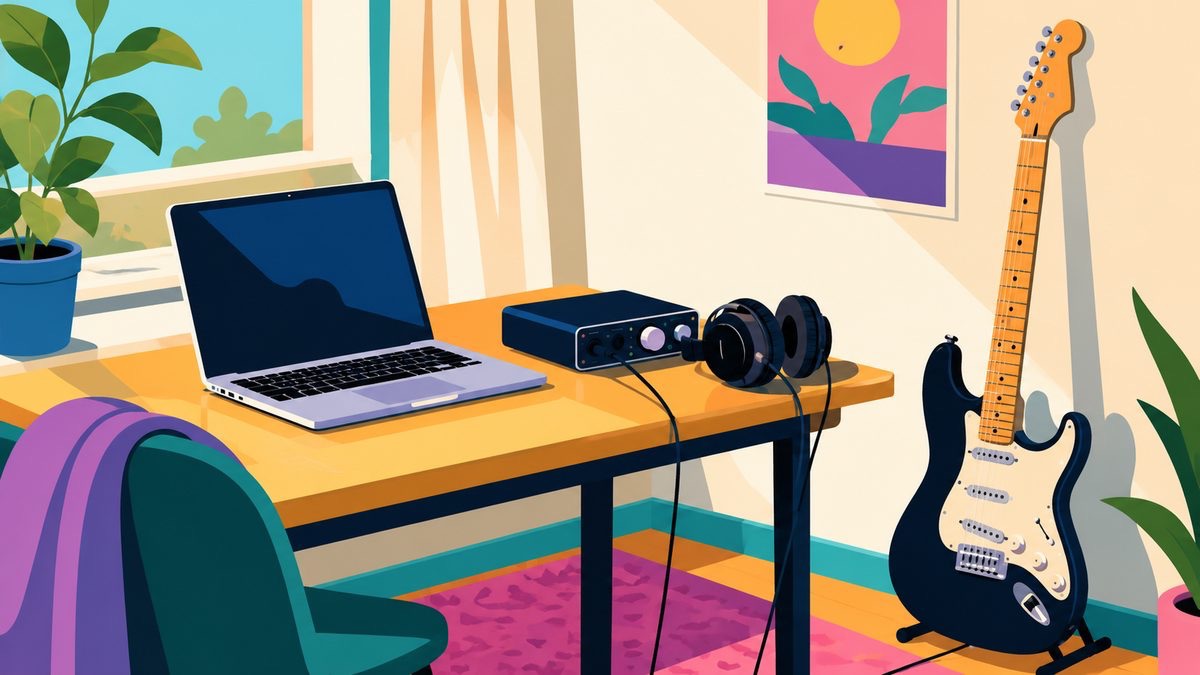
This setup is for people who "want to try recording sound first."
I keep everything free that can be free.
| Gear | Example | Price guide |
| Interface | Steinberg IXO12 or similar | About 14,000 yen (US: about $120) |
| Headphones | CLASSIC PRO CPH7000 (or ATH-M20x) | About 6,000 to 7,500 yen |
| DAW | GarageBand / Cakewalk Sonar etc. (free) | 0 yen |
| Amp sim | Free plugin | 0 yen |
| Mic (optional) | CLASSIC PRO CM5S | Around 2,000 yen |
| Cable | One from a standard brand | Around 1,500 yen |
| Total | About 22,000 to 24,000 yen |
*Prices are reference prices as confirmed in September 2026 in the Japanese market. Please check the latest price at each shop.
Point: Free is fine for the DAW and amp sim
You don't need to buy paid software from the start.
On a Mac, "GarageBand" comes free.
On Windows too, there are free DAWs that are fully usable, such as Cakewalk Sonar (free version).
Free amp sims are also quite high quality these days.
I compare how to choose a free DAW here.
-

-
Start DTM for Free | A Complete Comparison of Free DAWs for Guitarists
"I want to start DTM for free, but which DAW should I actually choose?" The more you play guitar, the more people stumble at this entrance. DAW (pronounced "dee-ay-double-you") means music production software. You can handle recording, programming and mixing on a computer. It stands for Digital Audio Workstation. This article compares from the viewpoint of people who play guitar and people in bands. It thoroughly covers the free DAWs you can use in 2026. For those who only want the conclusion, I put the answer first. Conclusion: A Guitarist's "Free DAW" Can Be Chosen from These 3Before the detailed ...
Caution: Avoid headphones that are too cheap
I don't recommend home recording with earbuds meant for enjoying music.
The lows and highs are "boosted," so you can't make accurate judgments.
That said, they don't need to be expensive either.
The best value in the 20,000 yen setup is the "CLASSIC PRO CPH7000."
It's a standard monitor from Sound House, a Japanese retailer, at about 6,000 yen.
It's known for sound quality a step above everything else under 10,000 yen, and it's ideal for beginners.
If you value comfort and a standard name a bit more, the ATH-M20x (in the 7,000 yen range) is okay too.
If you also want to record vocals, add the CLASSIC PRO CM5S
For line recording of guitar only, you don't need a mic.
But if you "want to try recording vocals too," the CM5S is recommended as a first mic.
It's a Sound House private brand, at 1,980 yen including tax.
A mic holder and a storage case are even included, so this price is remarkable.
I put how to choose a serious vocal/instrument mic together here.
-
-
Best Dynamic Microphones | Picks for Both Home Recording and Live
"I want one mic for both home recording and live." For people like that, a dynamic mic is the one I recommend. The short answer: for your first mic, the SHURE SM58 is never a mistake. It's sturdy, resists ambient noise, and works for both live and home recording. It's truly the versatile standard. What you'll learn in this article Why dynamic mics suit home recording Recommended models by purpose and budget Points for choosing without failing Why Dynamic Mics Suit Home Recording Too Many people think "home recording means a condenser mic." But in a home environment, a dynamic ...
Watch out
The weakness of the 20,000 yen setup is "accuracy in checking the sound." If you plan to mix seriously, I recommend moving early to the 50,000 yen setup next.
[50,000 Yen] A Standard Setup Where Quality and Efficiency Clearly Improve
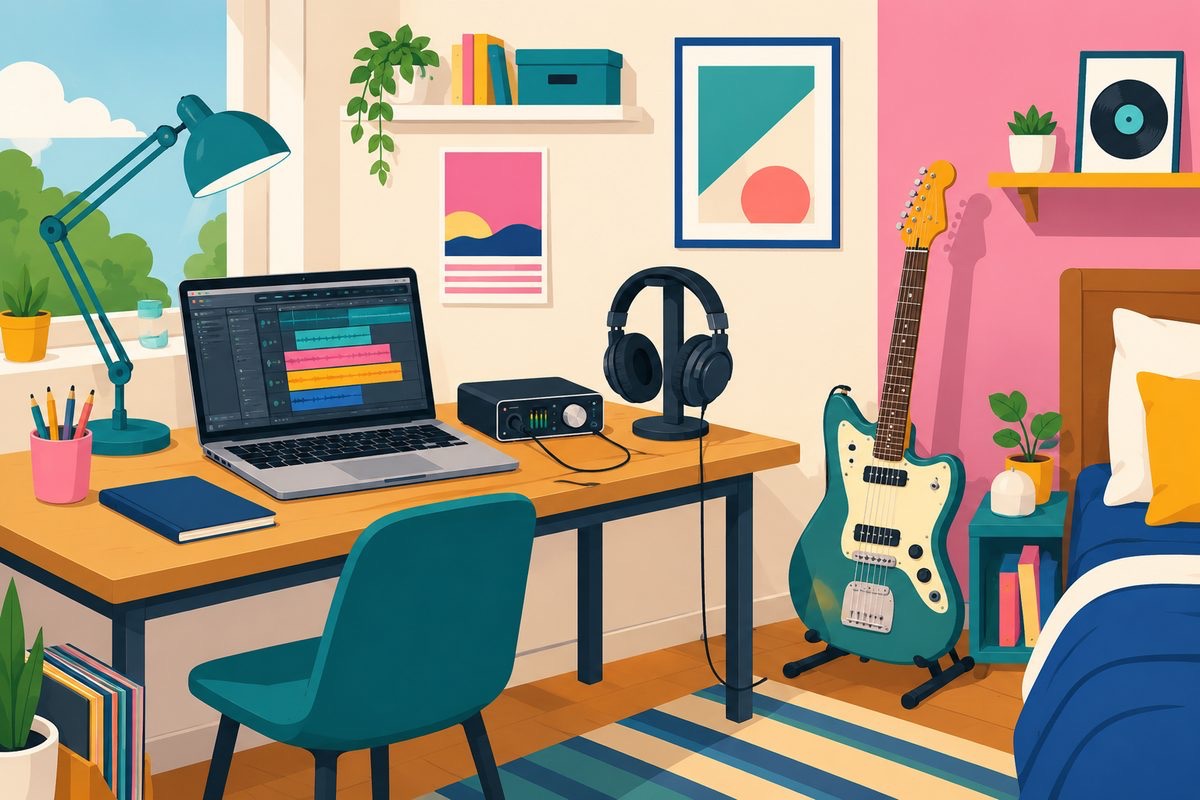
Personally, this is the price range I recommend most.
You feel the biggest return for what you invest.
| Gear | Example | Price guide |
| Interface | Focusrite Scarlett Solo / MOTU M2 | About 18,000 to 36,000 yen (US: Scarlett Solo about $160, MOTU M2 about $200) |
| Headphones | audio-technica ATH-M50x | About 21,000 to 22,000 yen (US: about $159) |
| Amp sim (paid) | AmpliTube 5 / TONEX etc. | About 5,000 to 15,000 yen |
| DAW | Keep free, or Logic Pro | 0 to 30,000 yen |
| Total | Around 50,000 yen |
Choose a standard interface and you won't fail
The Scarlett Solo and MOTU M2 are home-recording standards.
They are reliable in both sound quality and stability, and you can use them for a long time.
I put the detailed criteria for choosing into this article.
-
-
What Is an Audio Interface? How a Guitarist Should Choose One Without Failing
You want to record guitar on your PC. When you think that, the first thing you need is an audio interface. But "I've heard the name, but I don't know what it does." Many people feel that way. This article explains the basics and how to choose from a guitarist's point of view. I've included my own mistakes and tried to make it as clear as I can. Recommended for Anyone who wants to know what an audio interface is in the first place Anyone who wants to record guitar or bass at home Anyone who wants to choose the ...
The value of moving up to the ATH-M50x headphones
From the M20x to the M50x.
It's a difference of just over 10,000 yen, but the world you can see changes.
The separation of the sound improves, and mix decisions become easier.
I explain the details of choosing headphones here.
-
-
Best Studio Monitor Headphones for Home Recording | Closed-Back vs Open-Back and 9 Picks for Guitarists
"I mixed on regular listening headphones, and when I played it on my phone the low end was hollow..." It's a failure every guitarist who starts home recording experiences at least once. The cause is simple. Ordinary headphones have their sound flavored to make music "fun to listen to." If you mix using that sound as the reference, the balance falls apart when you hear it elsewhere. That's why you need monitor headphones. In this article, I'm ryo, 13 years of guitar and 8 years of DTM, and I explain how to choose monitor headphones and recommended models from the ...
A paid amp sim makes it easier to build "your own sound"
You get sound even with a free amp sim.
But a paid version is on another level in choices of sound and ease of building.
Popular with band players are "AmpliTube 5" and "TONEX."
If you aim at a sale, you can sometimes get them from the 5,000 yen range.
For the basics of amp sims (signal order and how to think about gain), this is a helpful reference.
-
-
Amp Simulator Basics | Signal Chain Order and How to Think About Gain
"With an amp simulator, what do I actually connect to what?" When you start recording guitar in DTM, this is the first question you run into. There are lots of knobs, and the order of effects isn't clear either. Raise the gain and the sound gets crushed, lower it and it lacks punch. This article explains amp simulators. I'll break down the basic signal chain order and how to think about gain from the point of view of a home-recording guitarist. I've left out difficult theory as much as possible. Learn this shape first, and you can apply it from ...
Why I recommend it
The 50,000 yen setup is the "if you're unsure, take this." Accuracy in checking sound and working efficiency jump up at once, and home recording becomes fun.
[100,000 Yen] A "Proper" Home-Recording Environment for Long Use
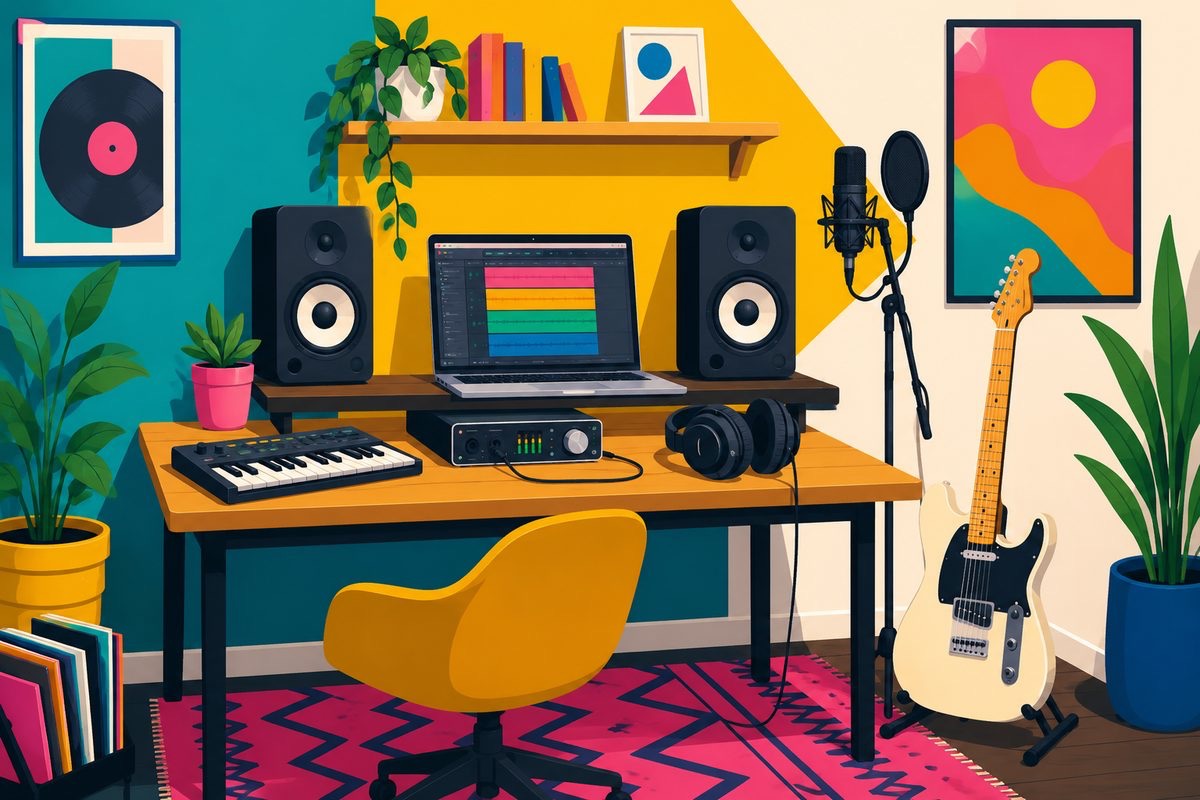
This is for people who want to build band recordings seriously.
You gather even speakers and a mic to widen what you can do.
| Gear | Example | Price guide |
| Interface | Scarlett 2i2 / UA Volt 2 etc. | About 25,000 to 40,000 yen (US: Scarlett 2i2 about $225) |
| Monitor speakers | YAMAHA HS5 (pair) | About 32,000 to 40,000 yen (US: about $400 for a pair) |
| Headphones | ATH-M50x (used alongside) | About 21,000 yen (US: about $159) |
| Mic | SHURE SM57 + stand | About 16,000 yen (US: about $109, or about $160 with a stand) |
| Total (gear) | About 90,000 to 110,000 yen |
Monitor speakers let you see "the whole picture of the song"
With headphones alone, the amount of bass is hard to grasp.
With speakers, the balance of the whole song is easier to see.
The standard is the YAMAHA HS5. Its appeal is a flat, honest sound.
How to choose speakers and placement tips are here.
-
-
Best Studio Monitor Speakers for Home Recording | 8 Picks by Budget for Guitarists
"My home-recording mixes just don't come together on headphones..." If you start feeling that, it's time to get studio monitor speakers. For a guitarist recording at home, headphones alone tend to lead you to wrong judgments. In particular, the "only my guitar sounds loud" problem becomes much easier to see once you put speakers in. In this article, I cover how to choose studio monitors and introduce 8 models by budget. By the time you finish reading, you should have decided on one that fits your room and budget. What you'll learn in this article The difference between ordinary speakers ...
A mic (SM57) covers amp recording and drums too
The SM57 is the world-standard mic for recording guitar amps.
At around $110 (about 14,000 yen in Japan), you can use it for a long time, for both live and home recording.
If you have an environment where you can play a real amp, your range of expression widens.
I put the details of choosing a mic together here.
-
-
Best Dynamic Microphones | Picks for Both Home Recording and Live
"I want one mic for both home recording and live." For people like that, a dynamic mic is the one I recommend. The short answer: for your first mic, the SHURE SM58 is never a mistake. It's sturdy, resists ambient noise, and works for both live and home recording. It's truly the versatile standard. What you'll learn in this article Why dynamic mics suit home recording Recommended models by purpose and budget Points for choosing without failing Why Dynamic Mics Suit Home Recording Too Many people think "home recording means a condenser mic." But in a home environment, a dynamic ...
Aim for higher-end plugins at "Black Friday"
Once you reach the 100,000 yen setup, you start wanting the higher versions of plugins too.
TONEX MAX and AmpliTube 5 MAX are in a different class for air and choice of sounds.
But the list price is high. The target is Black Friday in November.
I explain sale timing and how to buy in detail here.
-

-
Black Friday 2026 Guide for Guitarists | TONEX, AmpliTube, UAD and How to Buy Without Regret
To give the conclusion first, the main day of Black Friday 2026 is Friday, November 27. The first thing a guitarist should aim at is the TONEX MAX + AmpliTube 5 MAX two-in-one bundle. For the past two years in a row, there has been a sale where "buy one and get the other free." Black Friday (BF below) is the time of year when DTM plugins get cheapest. Discounts of 50 to over 80% are not rare. But if you buy everything in sight just because it's cheap, you only add to your pile of unused plugins. This page ...
Where Is the Right Place to Spend a Limited Budget?
It's not realistic to spend money on everything.
If I set priorities, I think of it like this.
- Headphones (if you can't hear sound correctly, everything wobbles)
- Audio interface (the foundation of recording)
- Amp sim (the range of sound design)
- Speakers and mic (ideal to have, but fine to put off)
A "Buying Order" You Won't Regret
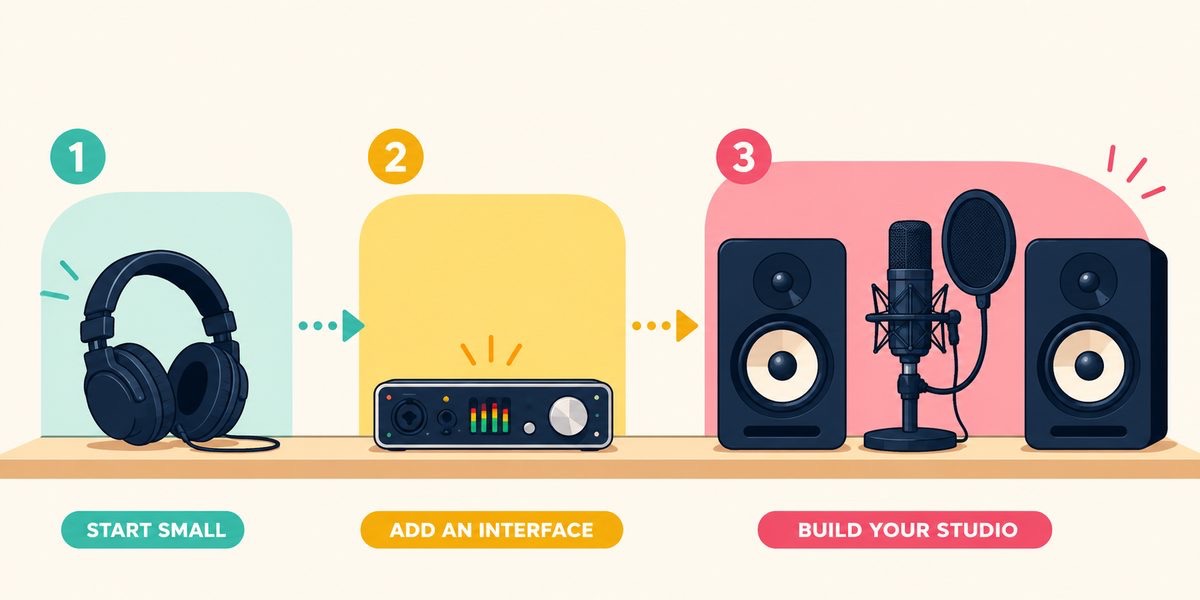
You don't need to gather everything at once.
Adding in stages leads to fewer failures.
step
1Experience "recording" with a free DAW and a free amp sim
First, without spending money, get the flow of home recording.
step
2Buy an interface and headphones
Sound quality and stability rise, and you can start seriously.
step
3Deepen your sound design with a paid amp sim
It becomes easier to make "your own sound." Sales are the target.
step
4Complete your environment with speakers and a mic
Mix accuracy goes up and the range of sounds you can record widens.
FAQ
Q. Is line recording alone fine for guitar?
Yes, at first line recording is enough.
With an amp sim, you can record a serious sound even without a mic.
Q. What computer do I need?
If you have a PC you use now, you can start with that first.
If it gets sluggish, you can consider replacing it then.
Q. Should I buy Logic Pro?
For Mac users, I recommend it, since you can use it for a long time after a one-time purchase.
But it isn't too late to get used to a free DAW first.
Summary: Start with the Setup That Fits Your Budget
Finally, let's review the three setups once more.
- 20,000 yen: centered on free software. Experience "recording" first
- 50,000 yen: the best value. If you're making songs seriously, this is it
- 100,000 yen: a serious environment that includes speakers and a mic
What matters is "not gathering everything from the start."
Add when it becomes necessary. That is enough.
Start home recording with the setup that fits your own budget.
The whole flow of starting DTM is put together in this roadmap.
-
-
The Complete Roadmap for Guitarists Starting DTM | Gear, PC, DAW, Amp Sims and Budget Plans
Recommended for You want to start DTM but don't know what to gather first You want to be able to make band demos yourself You want to step up from GarageBand You want to know how to choose an amp sim To give the conclusion first, guitarists have an advantage in starting DTM. You know chords. You have an image of band sound. You have a sense of "I want it to sound like this." DTM is just a tool for giving shape to that sense. I myself started home recording with just an iPad and an iRig. Without thinking ...

