Valhalla Supermassive is a free plugin.
Even so, it gives you space that rivals paid ones.
This time I explain how to use it and how to apply it in band sound.
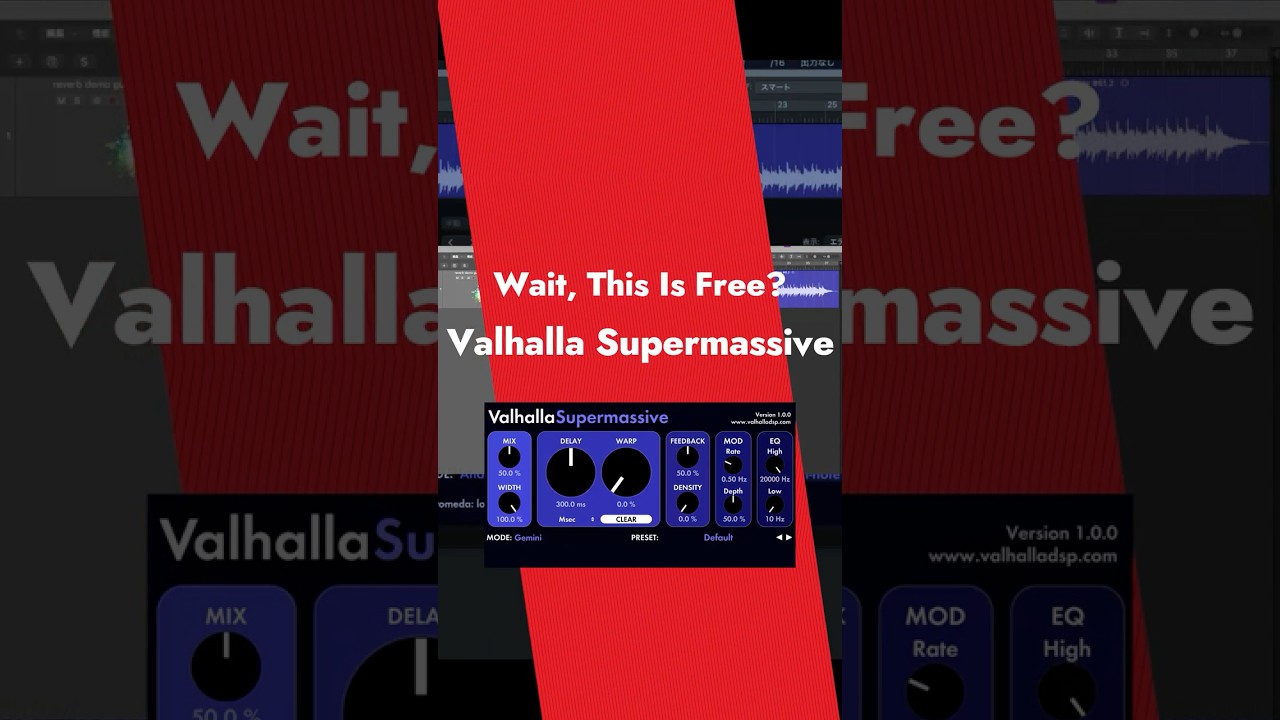

What Is Valhalla Supermassive?
It is a plugin that Valhalla DSP gives away for free.
Anyone can download it for free from the official site.
Its genre sits between reverb and delay.
It is designed to create "an outsized sense of scale" rather than "realistic space."
It is not a type that recreates real rooms or halls.
It spreads sound through a huge web of feedback delays.
You can make anything from a simple echo to a reverb tail so long it seems endless.

The Basic Control Panel Explained
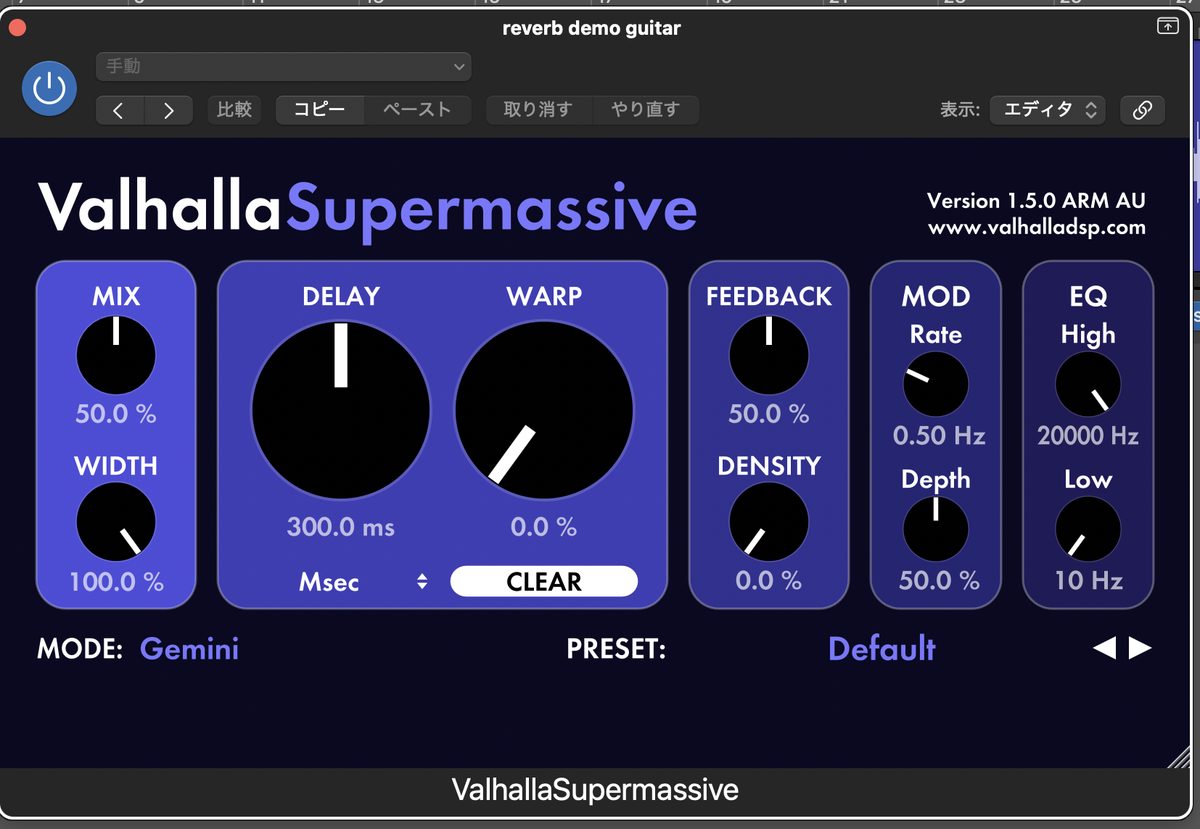
There aren't many knobs.
But their behavior changes by mode.
First, get the basic roles down.
| Control | Role |
|---|---|
| Mix | The balance between the dry and effect sound. At 100% the dry sound disappears |
| Width | 0% is mono, 100% is stereo. Negative values flip left and right |
| Delay | Delay time. Supports millisecond values and tempo sync, including dotted and triplet notes |
| Warp | Distorts the delay time. Raise it and the character moves from flanger to chorus to reverb-like |
| Feedback | Adjusts the number of repeats. In some modes it also affects the attack speed |
| Density | Stacks repeats more densely. The higher it goes, the thicker and more moving the sound |
| Mod (Rate/Depth) | Applies modulation to the pitch. Deeper gives a chorus-like sound |
| EQ | Cuts highs and lows. In many modes it is post-processing |
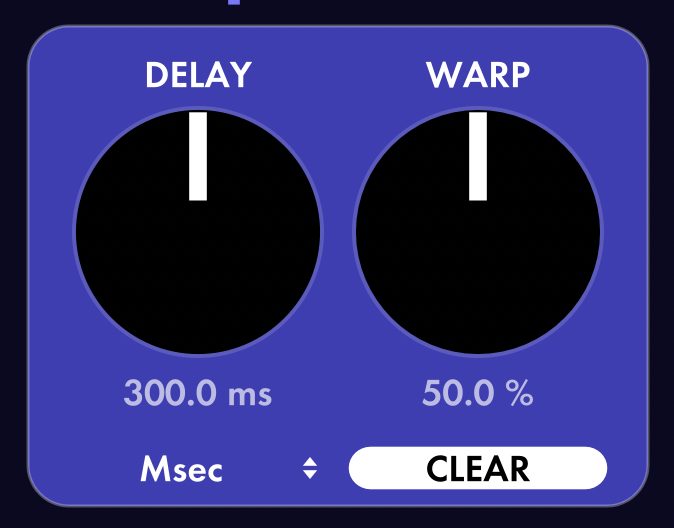
At first, try setting Warp to 50% or more.
The delay suddenly turns into a reverb-like texture.
The Main Modes You Can Use in Band Sound
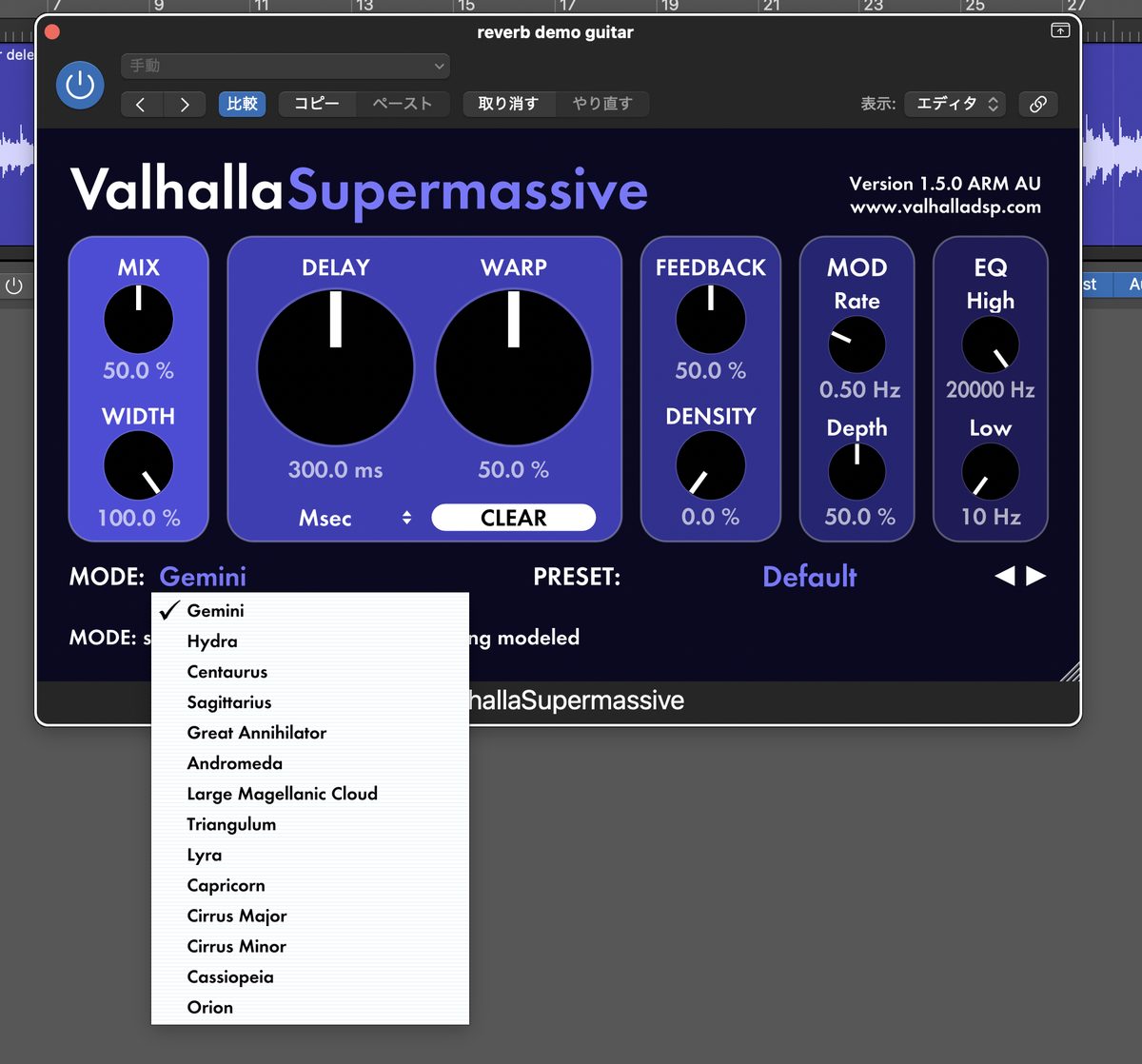
There are 14 modes in total.
It's hard to remember them all, so I've narrowed it to 6 you can use for band work.
- Gemini: fast attack and short decay. High echo density, the most standard mode
- Great Annihilator: medium attack with a very long decay. Suits lead guitar
- Triangulum: slow attack, with a very long-lasting reverb and repeating echoes
- Hydra: slightly fast attack with a short decay. Echo density changes a lot with the Density setting
- Cassiopeia: sparse echo density at first. After a fast attack, it grows into a rich reverb
- Capricorn: fast attack and short decay. Echo density is one step higher than Lyra
Trying just these 6 is enough to start.
There Are Plenty of Presets Too
Some of you may find building a mode from scratch hard.
In that case, picking from the presets is also recommended.
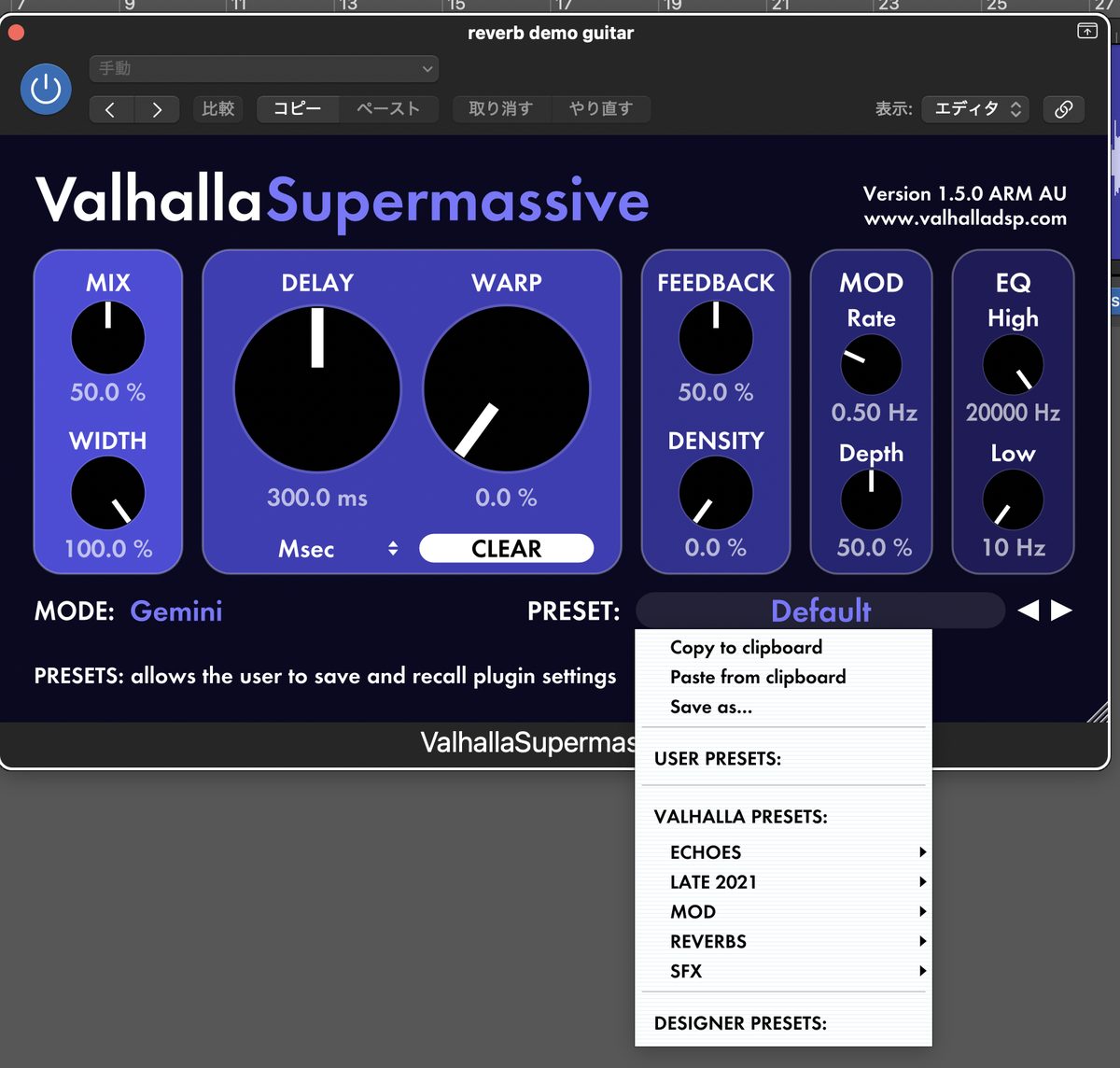
They are organized by category.
You can search by purpose, such as ECHOES, REVERBS and SFX.
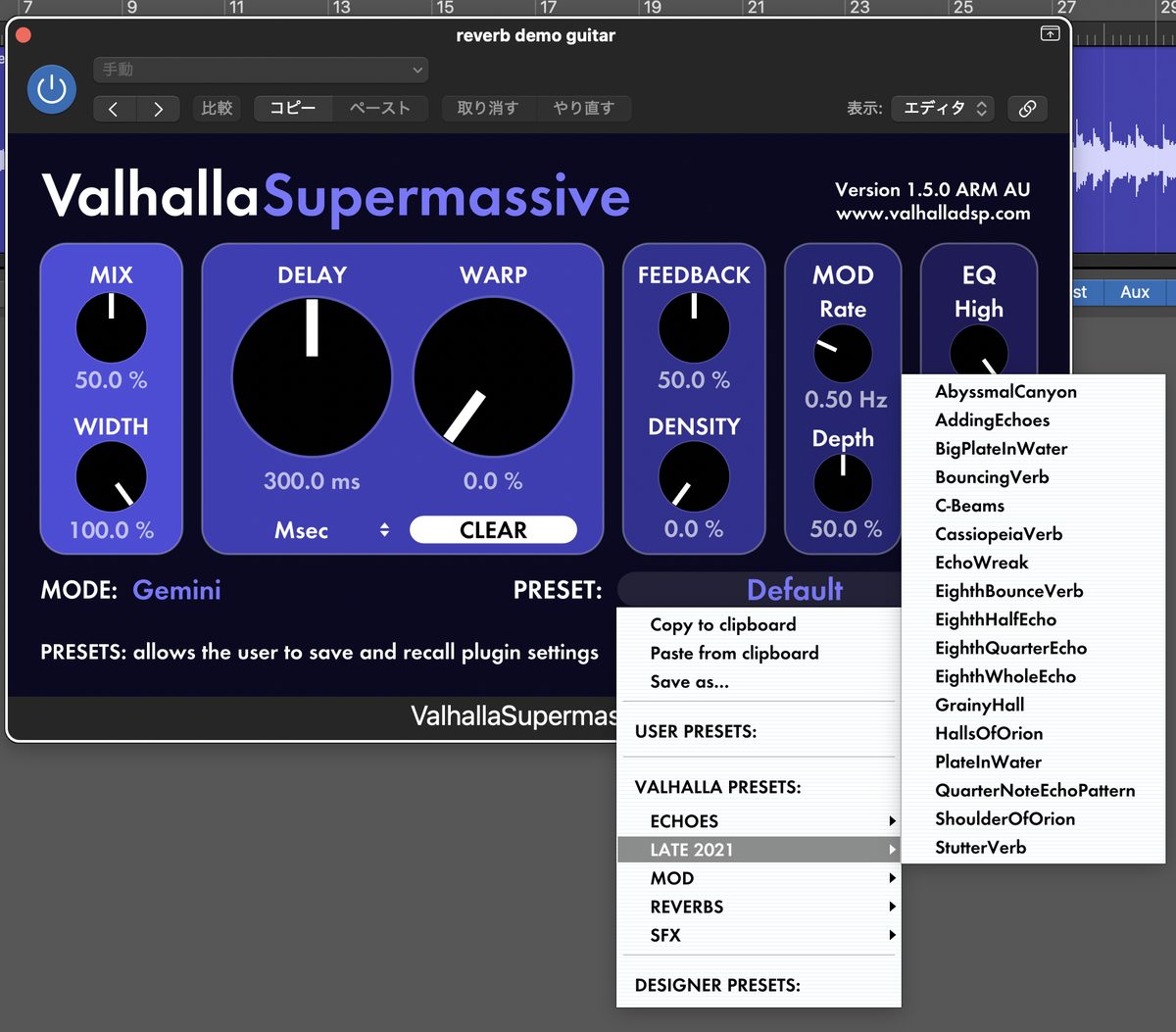
When you find a preset you like, fine-tuning it from there is quick.
Practical Use in Band Sound
For rhythm guitar, use an Aux send, lightly
I don't recommend inserting it directly.
The outline of the dry sound gets blurred.
Send it to an Aux bus and apply it lightly.
For lead guitar, use Great Annihilator
It pairs well with single-note phrases.
The very long decay makes it dreamlike.
For a "wall of sound," use Triangulum
Its feature is a very long-lasting reverb.
Repeating echoes pile up and spread like a wall of sound.
For drum space, use Cassiopeia
It starts as sparse echoes.
After a fast attack, it grows into a rich reverb.
But the low end tends to build up.
Don't forget to apply a low cut with EQ.
Cautions across the whole mix
Keep drums and bass dry.
Send only decorative parts like guitar through the send.
If you overdo it, the band loses its outline.
About How Light It Runs
The CPU load is quite low.
Even if you stretch the decay time to 100 seconds, it runs lightly.
You can use it with confidence even in songs with lots of tracks.
Bonus | 2 More Free Plugins from Valhalla
Valhalla DSP has other free plugins too.
- Valhalla Space Modulator: a modulation plugin combining flanger and chorus
- Valhalla Freq Echo: an echo plugin that shifts the frequency of the echoes
Both are free.
Try them along with Supermassive.
-

-
7 Best Free Amp Simulators for Home Recording | How to Choose and Signal Chain Basics
"How far can you really go with free amp simulators?" Here is the short answer: today's free amp sims are fully at a professional working level. You can get usable sounds for a mix without buying a paid one. In this article, I introduce 7 free amp simulators that are truly usable, from the viewpoint of a home-recording guitarist. I also cover how to choose one and the basics of signal chain order. How Far Can Free Amp Simulators Go? Honestly, free amp sims used to be a "bonus." That is no longer true. There are two main reasons. The ...
For People Who Want to Build Space Even Further
You can enjoy it plenty for free.
But some of you will want to build it up more.
In that case, UAD Paradise Guitar Studio is also recommended.
Fuzz and tape echo are built in.
What you record gets close to a finished sound as it is.
See UAD Paradise Guitar Studio at Plugin Boutique
Summary
Valhalla Supermassive performs like nothing you'd expect from a free plugin.
It works well in band sound too.
Start by trying Gemini mode.
Once you're used to it, take on Great Annihilator and Triangulum too.

